 Flows ERP
Team collaborationfollow-ups and @ mentions
Record calls, visits, and what was agreed on the customer or contract itself — and use @ to bring in a colleague.
One-month free trial before you buy.
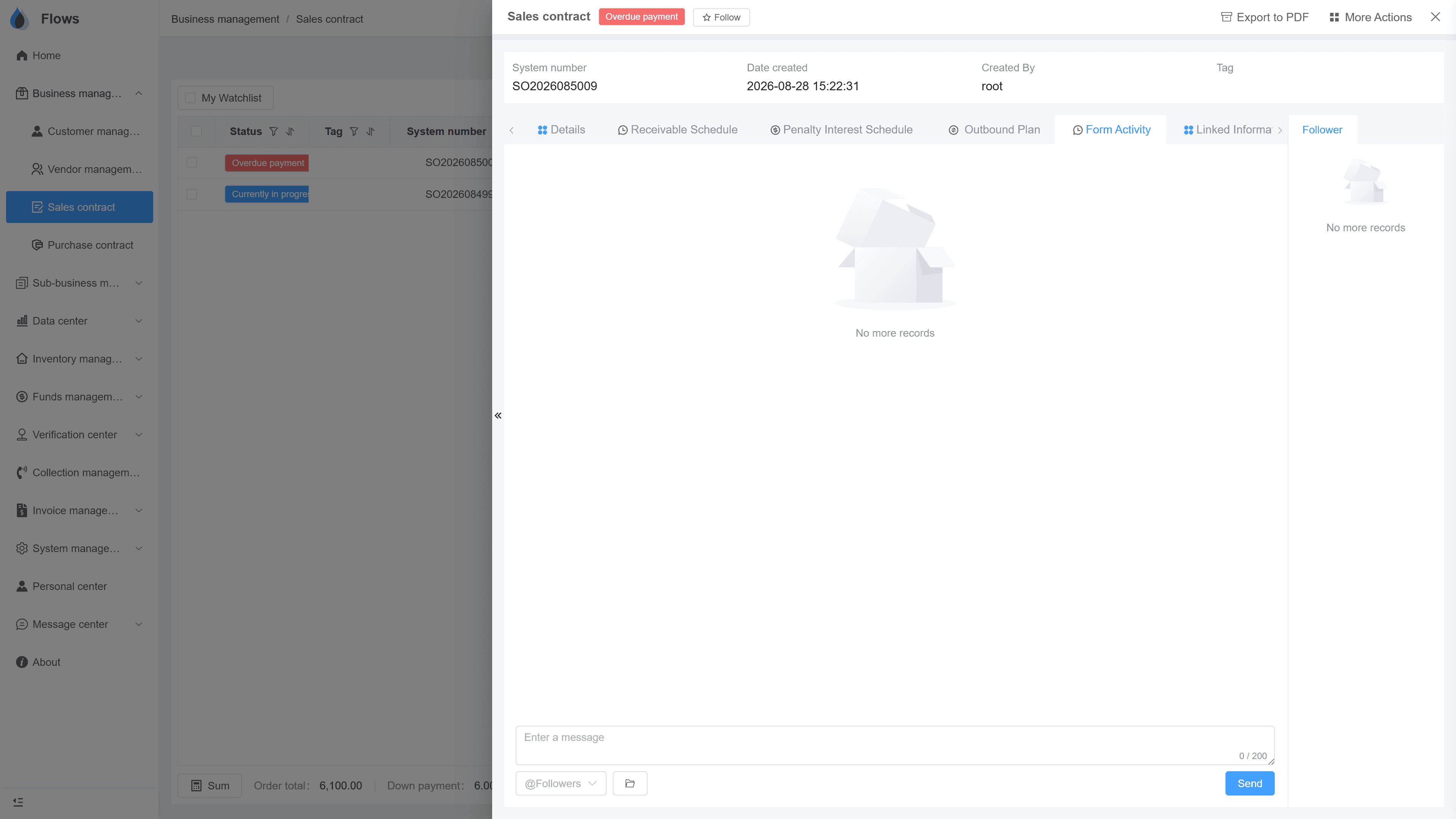
01
Follow-ups on every customer and contract
Every customer and contract has its own follow-up notes. Record visits, calls, and what the customer promised, so whoever takes over can read the whole story in one place.
- On customers & contracts
- Calls, visits, promises recorded
- Full history in one place
- Easy handovers
Customer — Bangkok Trading
@Somchai customer visit set for Thursday
Visible to the sales team only · full edit history
02
@ mentions that notify the right person
Type @ and a colleague's name, and they get a notification — for example, 'please follow up: the customer wants a meeting on Friday', right on the customer's page.
- Notify by @ name
- On the right customer or contract
- Messages translated automatically
- Colleague notified right away
Contract SC-2026-041 · Bangkok Trading
@Somchai please follow up period 3
Logged on the contract · visible to the team
03
One place to catch up on your updates
Access to follow-ups is set by record type, such as customers, suppliers, or contracts. The message center collects the mentions and updates that need you, so you can catch up in one place.
- Access set by record type
- Activity feed
- Inbox & outbox for notices
- One place to catch up
Platform — system settings
API · data received from an external system
Button-level permissions · every change logged
Inside the module
Real screens from Flows ERP — what your team will actually work in.
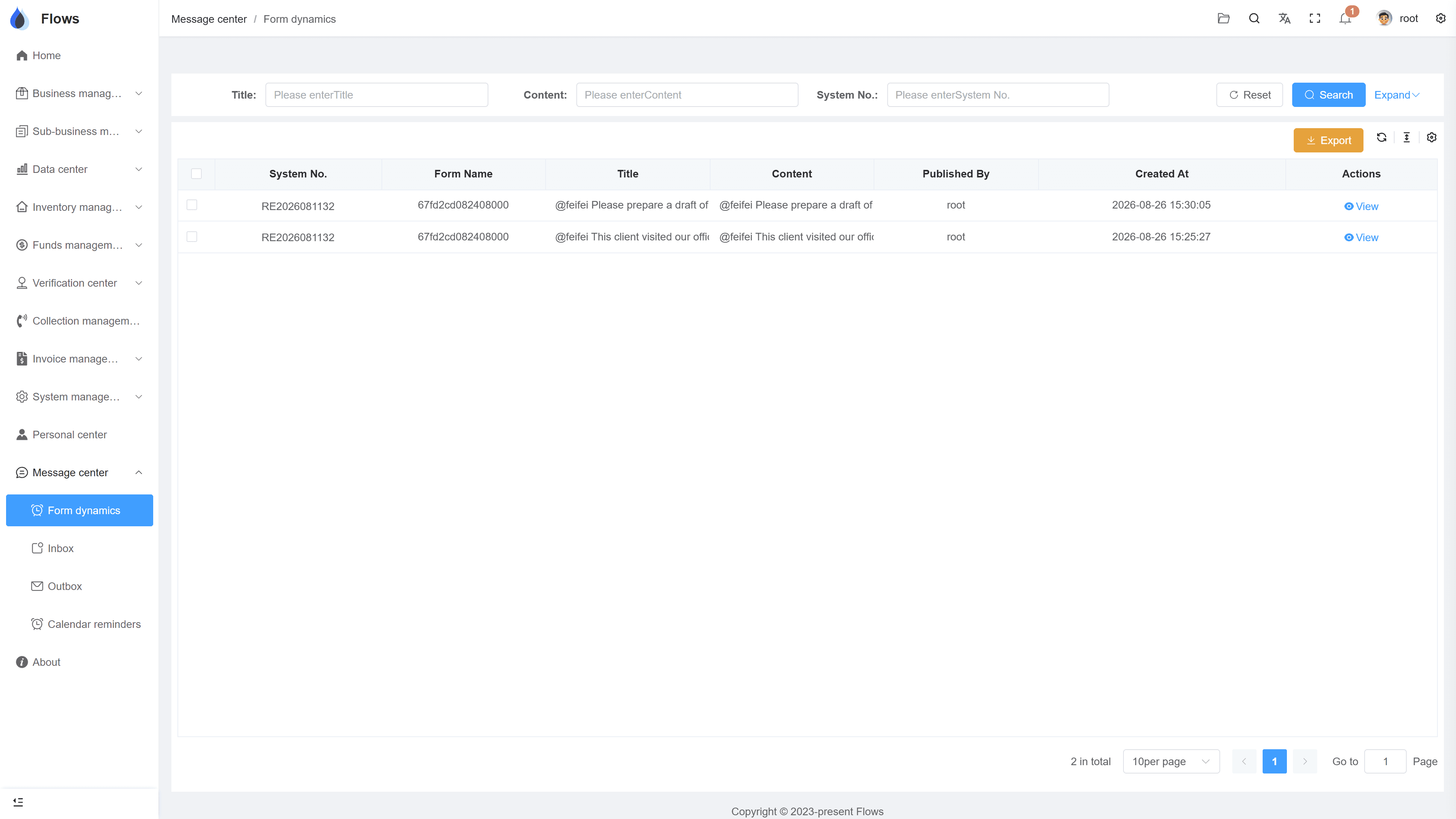
Follow-up notes
The customer's recent visits, calls, and @ mentions, in order.
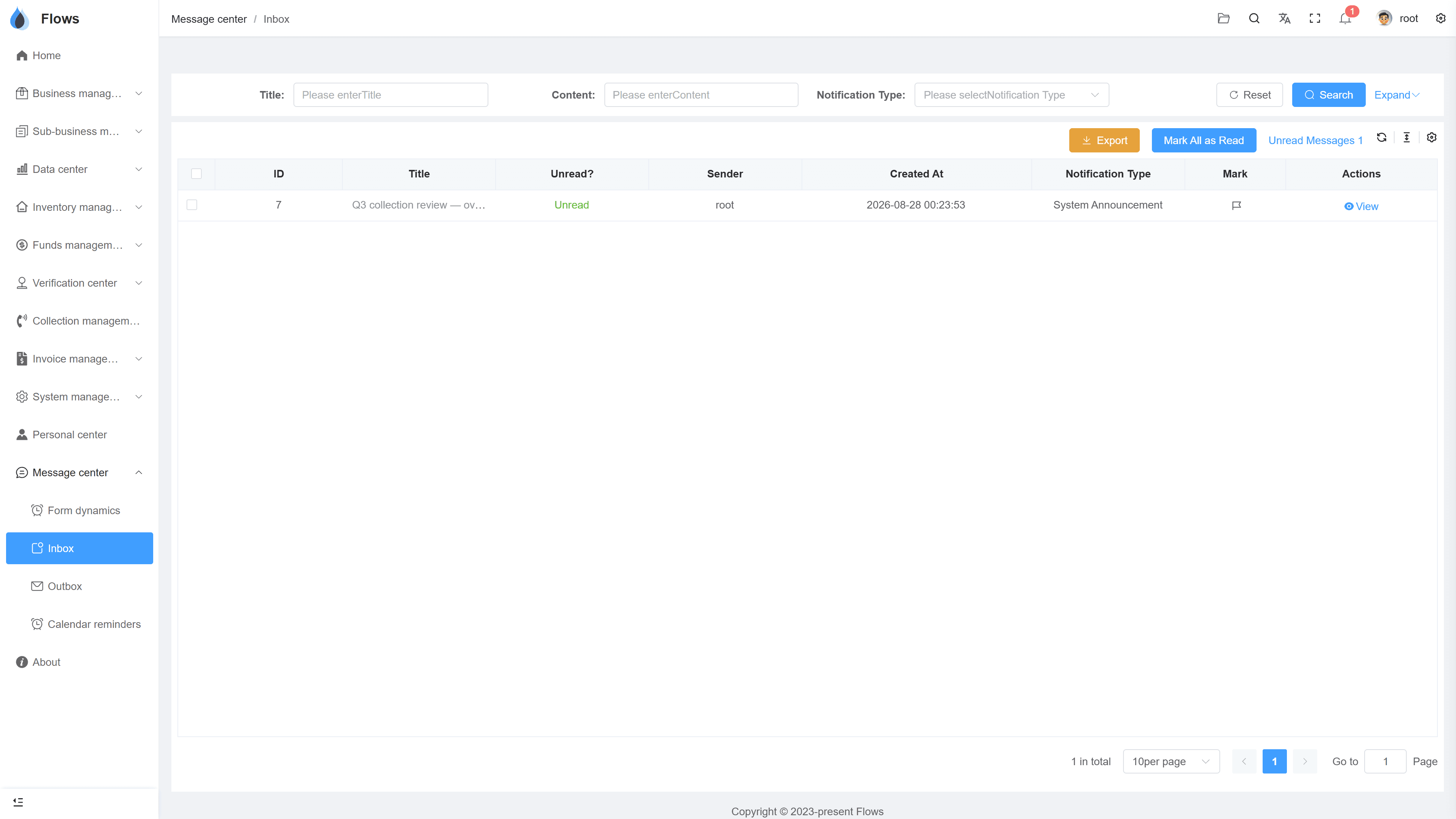
The message center
Mentions and updates collected in one place.
Why Flows
What makes Flows different
Not another generic ERP — a system built around how Thai SMEs actually buy, sell, and collect.
See how onboarding works →Priced per company, not per seat
One annual price, every module included. Add users freely within your tier — no feature gates, no seat fees.
Three languages with auto-translation
Thai, English & Chinese UI — and the data your team enters is translated automatically, so everyone reads the same records.
Your documents, exactly your format
Send us your invoice and receipt templates; our team configures them into Flows. Every document comes out looking like yours.
We walk you live — and stay
Five-step onboarding at no extra cost, then quarterly system stability reports. We don't disappear after go-live.
Spec sheet
What collaboration includes — in every plan.
Follow-ups
On customers, suppliers, and contracts
Mentions
@ a colleague, with a notification
Translation
Messages translated automatically
Message center
Activity feed + inbox/outbox
History
Export messages to Excel in bulk
Permissions
Follows your permission settings
Task assignment
Create reminders and assign tasks to colleagues
Scope
Contracts, customers, and suppliers
Frequently asked questions
How do follow-ups work in Flows ERP?
Each customer, supplier, and contract has its own follow-up notes. Your team records calls, visits, and progress there, so the full history stays with that customer, supplier, or contract.
What do @ mentions do?
An @ mention notifies the colleague you name. For example, if a customer asks for a visit on a certain date, note it on the customer and @ the salesperson, who then gets a notification with the details.
Can we control who sees follow-ups?
Access to follow-ups is set by record type, such as customers, suppliers, or contracts, based on each role's permissions. This keeps sensitive details within the right group.
What is the message center?
The message center is where you catch up on work. It has an activity feed with the mentions and updates that involve you, plus an inbox and outbox for internal notices, much like email inside the system.
Does this replace LINE or email for the team?
It replaces the work-related part, such as customer follow-ups, handovers, and decisions about deals. General chat can stay wherever your team prefers.
Keep all team follow-ups in one place.
Start a free one-month trial, or book a demo and see how a handover works in Flows.