 Flows ERP
Supplier managementknow what you owe, and when
See each supplier's contacts, purchase contracts, and amounts owed in one place.
One-month free trial before you buy.
01
Contacts, follow-ups, and history
Keep each supplier's contact people and attachments, follow up with colleagues using @ mentions, see the full change history, and import or export your supplier list with Excel.
- Contacts & attachments
- Follow-ups with @ mentions
- Change history
- Excel import & export
Customer — Bangkok Trading
@Somchai customer visit set for Thursday
Visible to the sales team only · full edit history
02
Payment reminders, so nothing is paid late
Every payment on a purchase contract has its own due date. Flows reminds you before each one is due, so supplier payments are never late.
- Reminder before each due date
- Open payables with due dates
- Shown in the calendar
- Every change logged
Purchase contracts
Payment plan generated — 6 periods
Reminder3 days before due
Period 1 · Sep 30฿206,666
03
See each supplier's contracts and deliveries
From the supplier's record, see their purchase contracts and receiving plans, and check whether goods arrived on time.
- Purchase contracts one tab away
- Receiving plans and status
- Open payables
- Statistics per supplier
Contracts — money in & money out
Sales · money in
78% collected
Purchases · money out
55% paid on plan
Net cash this month
+฿204,100
Inside the module
Real screens from Flows ERP — what your team will actually work in.
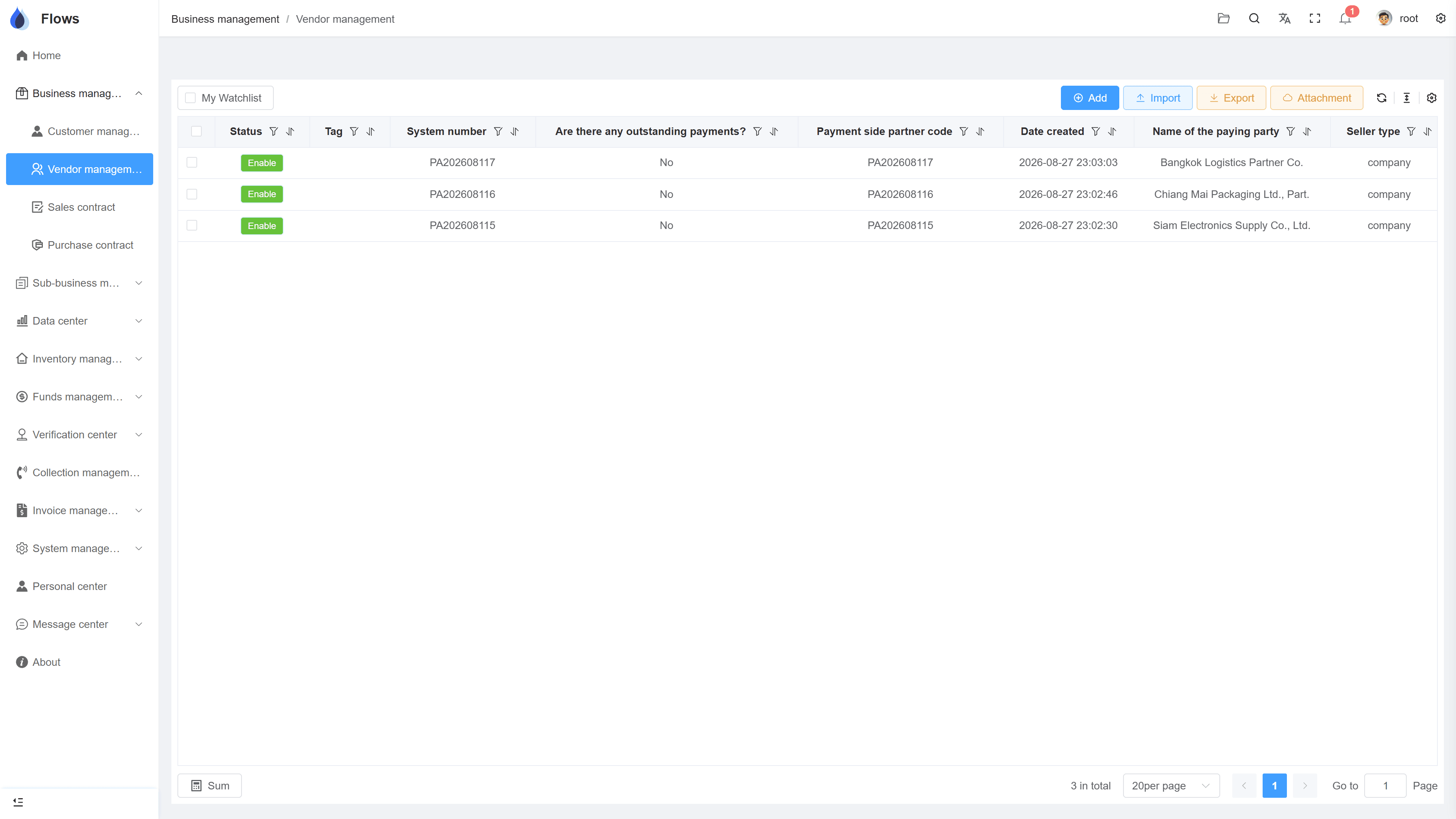
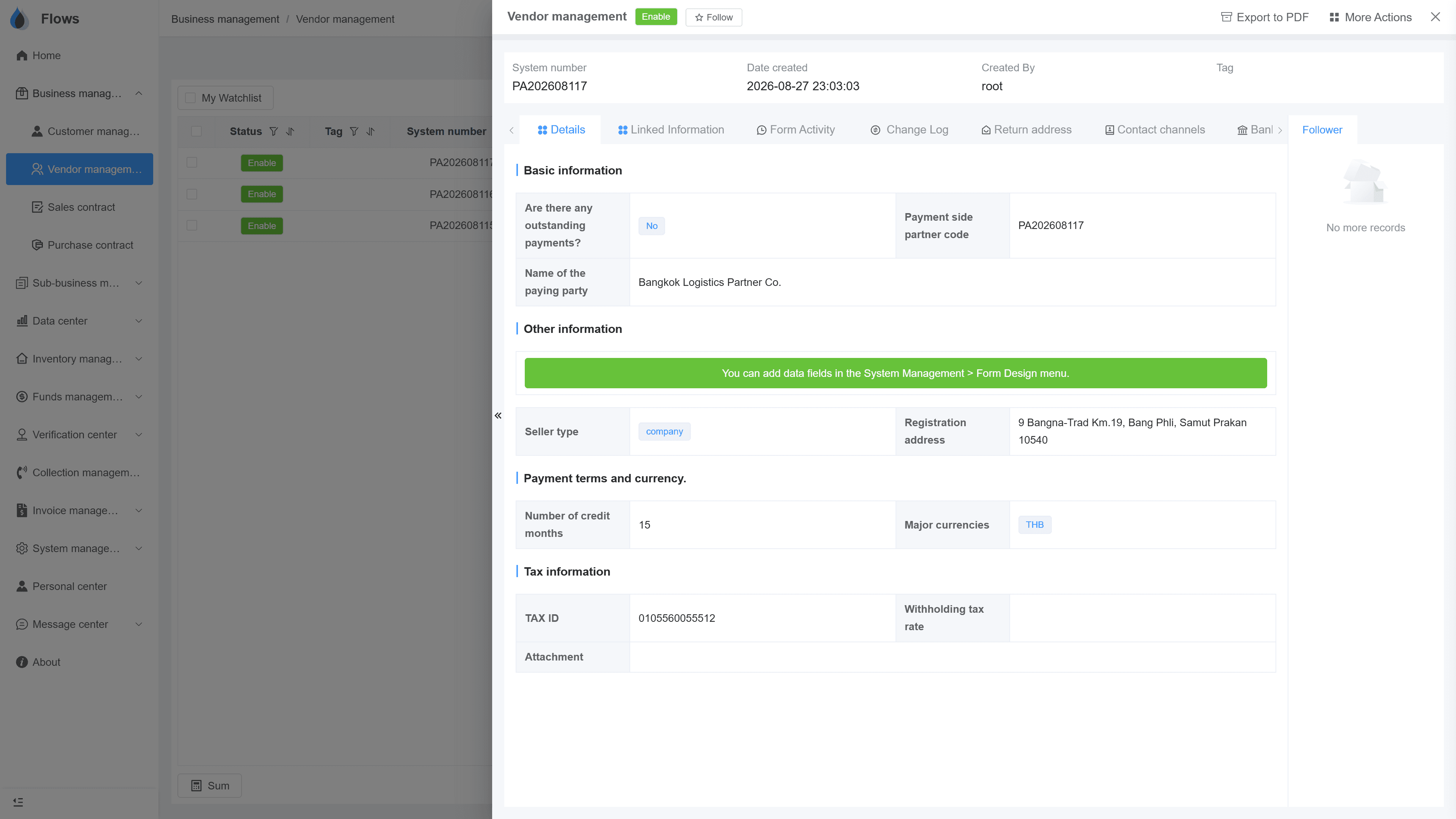
Supplier list with open payables
Every supplier with contacts and outstanding amounts.
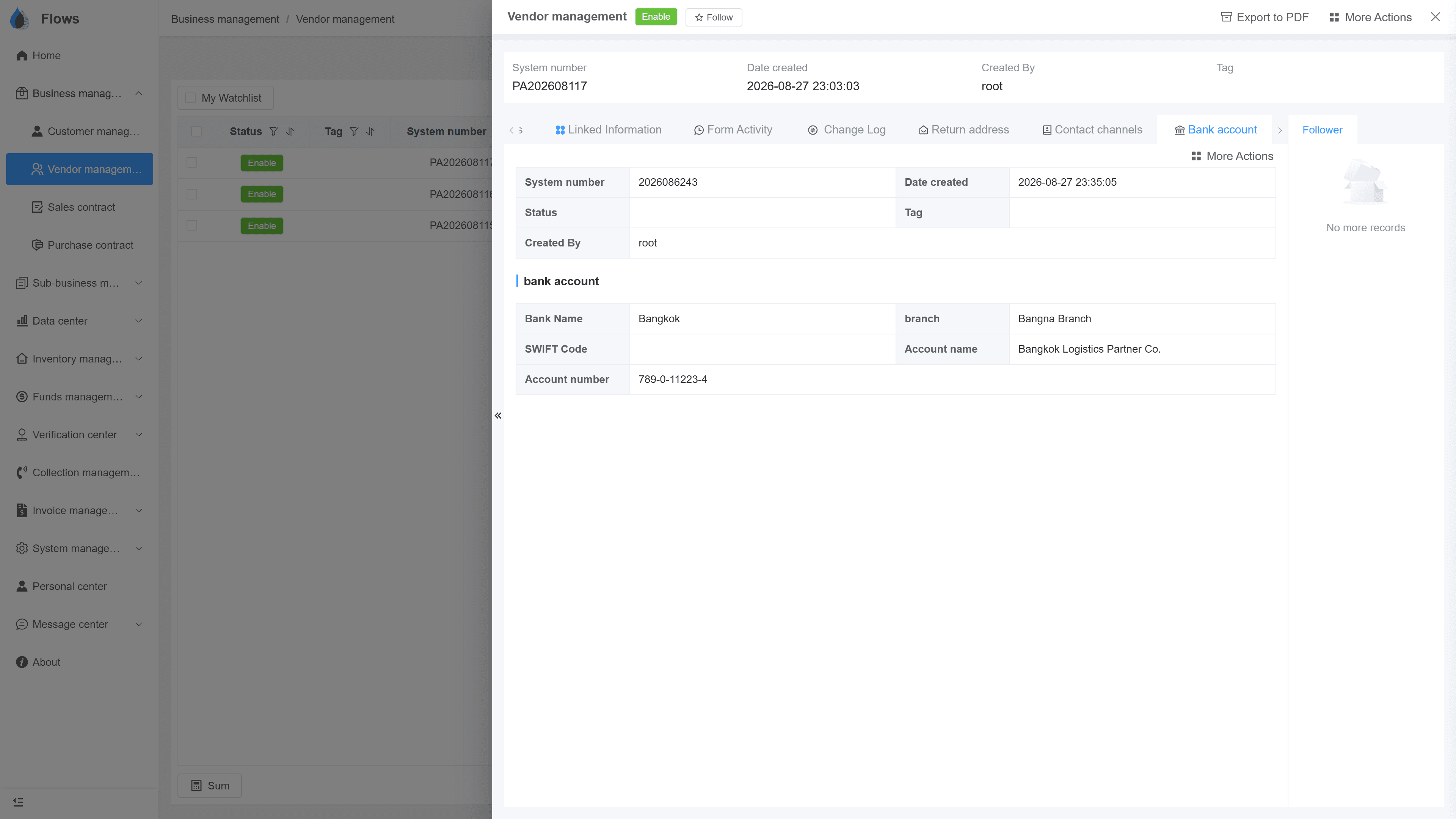
A supplier record
One supplier's details in tabs — linked information, change log, return address, contact channels, and more.
Why Flows
What makes Flows different
Not another generic ERP — a system built around how Thai SMEs actually buy, sell, and collect.
See how onboarding works →Priced per company, not per seat
One annual price, every module included. Add users freely within your tier — no feature gates, no seat fees.
Three languages with auto-translation
Thai, English & Chinese UI — and the data your team enters is translated automatically, so everyone reads the same records.
Your documents, exactly your format
Send us your invoice and receipt templates; our team configures them into Flows. Every document comes out looking like yours.
We walk you live — and stay
Five-step onboarding at no extra cost, then quarterly system stability reports. We don't disappear after go-live.
Spec sheet
What supplier management includes — in every plan.
Supplier profile
Company details, contacts, and any attachments
Purchase contracts
Every contract with the supplier in one place
Team follow-ups
Leave messages and @ colleagues on the supplier
Custom fields
Add your own fields in settings
Excel import & export
Bring in or export your supplier list in bulk
Supplier statistics
Purchase amounts and history per supplier
History
Full change log — who changed what, when
Permissions
Button-level access control
Frequently asked questions
What is supplier relationship management in Flows ERP?
It means keeping each supplier's details, agreements, and purchase history organized in one place. In Flows, that's the supplier list, linked to your purchase contracts and payables.
Can we import our supplier list from Excel?
Download the template, fill it in, and upload it, and Flows checks the data for errors. Attachments can also be exported in bulk later.
How do we see what we owe a supplier?
Open the supplier's record to see its purchase contracts and open payables with due dates. The AP write-off center shows the same amounts across all suppliers.
Does Flows remind us before a supplier payment is due?
Flows reminds you before each payment on a purchase contract is due, and the due dates also appear on the calendar. This lets your team plan payments ahead instead of finding out too late.
Can we see which goods from a supplier have arrived?
Each purchase contract has a receiving plan, so you can see which goods have arrived and which are still pending. Partial receipts are recorded as they come in.
Can we track supplier performance?
The supply chain view in the data center shows on-time receiving, and the statistics report shows how much you buy from each supplier. Together they help you see which suppliers are reliable.
Keep all your suppliers in one place.
Start a free one-month trial, or book a demo and import ten of your suppliers to see how it works.